Corporate AI integration is fundamentally broken. Relying on hyperscaler APIs for Large Language Models is a strategic vulnerability. When engineering teams send proprietary data to third-party endpoints, they expose trade secrets, personally identifiable information, and internal financial data to external logging mechanisms. You pay an extortionate markup on compute. You are entirely at the mercy of their rate limits, unannounced model deprecations, and unpredictable latency spikes.
The alternative is building it yourself.
I open-sourced the Local Corporate LLM Deployer to fix this exact issue. It is a strict, zero-dependency Docker orchestration stack that stands up production-grade LLM inference entirely on-premise. It bypasses the bloated Python wrappers and directly interfaces with CUDA streams to maximize hardware utilization, ensuring that enterprise data never leaves the internal network.
The Architectural Imperative
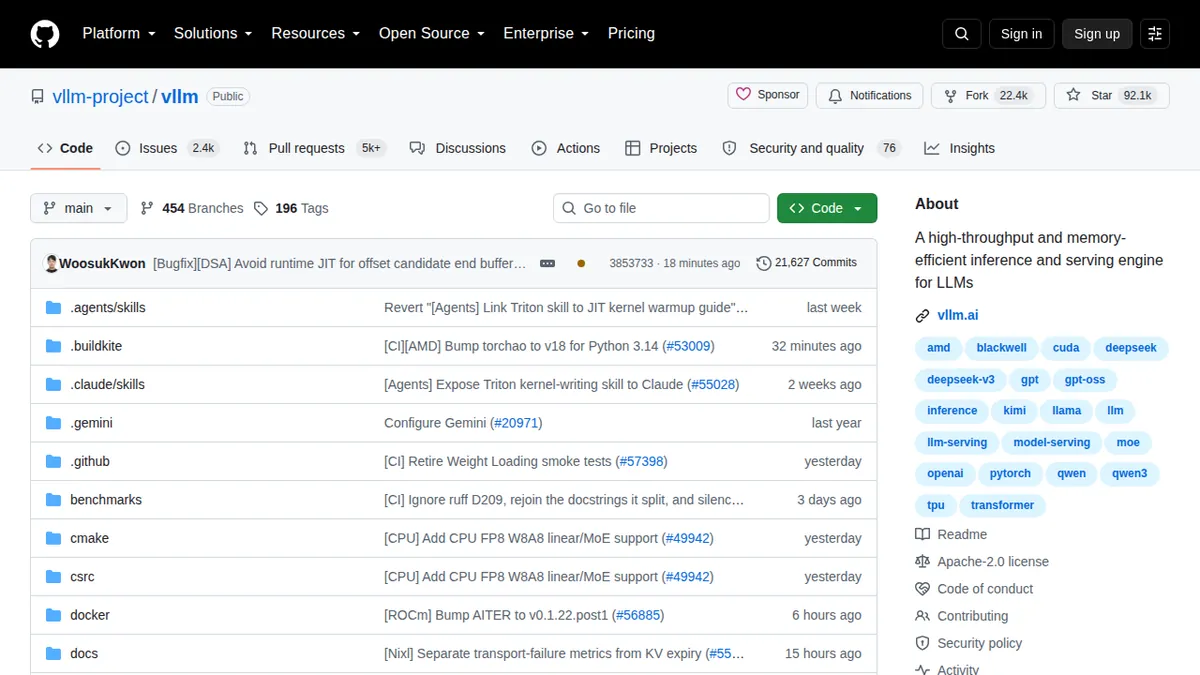
To achieve high-throughput serving without bottlenecking the inference engine, the architecture relies on a specialized topology. We use vLLM for continuous batching and PagedAttention memory management, coupled with an Envoy API gateway to handle TLS termination, request routing, and connection draining during updates.
Below is the cloud topology mapping the request flow from the corporate network into the isolated, air-gapped inference cluster.
+-------------------+       +-----------------------+
| Corporate Network |       |  Air-Gapped Cluster   |
|                   |       |                       |
|  +-------------+  | HTTPS |  +-----------------+  |
|  | Web Client  |--|-------|->|  API Gateway    |  |
|  +-------------+  |       |  |  (Nginx/Envoy)  |  |
|                   |       |  +--------+--------+  |
|                   |       |           |           |
+-------------------+       |           v           |
                            |  +-----------------+  |
                            |  |   Load Balancer |  |
                            |  +--------+--------+  |
                            |           |           |
                            |   +-------+-------+   |
                            |   v               v   |
                            | +-------+       +-------+
                            | | vLLM  |       | vLLM  |
                            | | Node 1|       | Node 2|
                            | +-------+       +-------+
                            |   | GPU 0..3      | GPU 4..7
                            |   v               v
                            | +-----------------------+
                            | |    Ray Head Node      |
                            | |  (Distributed State)  |
                            | +-----------------------+
This design guarantees that client applications only communicate with the API Gateway. The underlying worker nodes operate in a completely isolated subnet. The Ray cluster manages tensor parallelism across multiple GPUs, allowing large models like Llama-3-70B to be sharded across instances that individually lack the VRAM to hold the entire weight matrix.
Project Directory Schema
Understanding the repository structure is critical before deployment. The project is organized to separate orchestration logic from the model weights and runtime configurations.
| Path | Type | Description |
|---|---|---|
/gateway |
Directory | Envoy proxy configurations, SSL certificates, and TLS termination logic. |
/vllm |
Directory | Custom vLLM startup scripts optimized for Ampere and Hopper architectures. |
/weights |
Directory | Mounted volume for caching Hugging Face .safetensors files. |
docker-compose.yml |
File | Core orchestration definition for the entire inference stack. |
deploy.sh |
File | Bootstrap script for environment verification and stack initialization. |
Infrastructure and Deployment Mapping
Every component in the Local Corporate LLM Deployer runs within a restricted container context. We map these services to specific ports and hardware constraints to guarantee predictable performance.
| Service | Container Image | Internal Port | Hardware Requirement |
|---|---|---|---|
| API Gateway | envoyproxy/envoy:v1.27 |
443 |
2 vCPU, 4GB RAM |
| Model Server | vllm/vllm-openai:latest |
8000 |
1+ NVIDIA GPUs (24GB+ VRAM) |
| Ray Head Node | rayproject/ray:latest |
6379, 8265 |
4 vCPU, 16GB RAM |
| Metrics Engine | prom/prometheus:latest |
9090 |
2 vCPU, 4GB RAM |
Orchestrating the Model Server
The foundation of the deployment is the docker-compose.yml file. It binds the vLLM OpenAI-compatible server to the host’s GPU resources while restricting network access.
version: '3.8'

services:
  vllm-server:
    image: vllm/vllm-openai:latest
    container_name: corporate_llm
    runtime: nvidia
    ports:
      - "8000:8000"
    environment:
      - HUGGING_FACE_HUB_TOKEN=${HF_TOKEN:-}
      - CUDA_VISIBLE_DEVICES=0,1
    volumes:
      - ./weights:/root/.cache/huggingface
    command: >
      --model meta-llama/Meta-Llama-3-8B-Instruct
      --tensor-parallel-size 2
      --gpu-memory-utilization 0.90
      --max-model-len 4096
      --port 8000
    restart: unless-stopped
    networks:
      - llm-net

networks:
  llm-net:
    driver: bridge
This configuration ensures that the model weights are downloaded once and cached in the ./weights directory. The --tensor-parallel-size 2 flag explicitly shards the model across two GPUs, dividing the computational load and reducing the latency of individual token generation. The --gpu-memory-utilization 0.90 parameter prevents out-of-memory errors by reserving exactly 10% of the VRAM for the KV cache overhead.
The Automation Layer
Manual deployment introduces human error. The deployment must be idempotent and easily executable via CI/CD pipelines. The repository provides a self-contained bootstrap script that verifies the hardware environment before attempting to spin up the containers.
#!/bin/bash
set -euo pipefail

echo "[SYSTEM] Initializing Local Corporate LLM Deployer..."

if ! command -v nvidia-smi &> /dev/null; then
    echo "[FATAL] nvidia-smi could not be found. Please install NVIDIA drivers."
    exit 1
fi

gpu_count=$(nvidia-smi -L | wc -l)
echo "[SYSTEM] Detected ${gpu_count} NVIDIA GPUs."

if [ "$gpu_count" -lt 2 ]; then
    echo "[WARNING] Less than 2 GPUs detected. Tensor parallelism may fail."
fi

docker network create llm-net 2>/dev/null || true

echo "[SYSTEM] Launching Docker cluster..."
docker-compose up -d

echo "[SYSTEM] Deployment complete. Polling for health status..."
for i in {1..12}; do
    if curl -s -f http://localhost:8000/v1/models > /dev/null; then
        echo "[SUCCESS] Inference endpoint is online and serving models."
        exit 0
    fi
    echo "[WAIT] Waiting for model weights to load into VRAM..."
    sleep 10
done

echo "[FATAL] Server failed to pass health check within 120 seconds."
exit 1
This script ensures that operations teams are not left guessing whether the model is actually ready to receive requests. It strictly checks for CUDA availability and polls the API endpoint until a valid HTTP 200 response is returned.
Visualizing the Execution State
When the deployment is running smoothly, the terminal output will reflect the continuous batching efficiency of the vLLM backend.
The logs will demonstrate exactly how the PagedAttention blocks are allocated across the available memory banks, proving that the system is operating optimally.
Connecting Client Applications
The greatest advantage of this deployment stack is its seamless integration with existing software. Your front-end engineers and internal developers do not need to learn a new SDK, install proprietary client libraries, or rewrite their application logic. The vLLM server natively implements the OpenAI API specification.
They simply point their existing OpenAI clients to the local gateway by changing the base URL.
import os
import sys
from openai import OpenAI

def query_local_llm(prompt_text: str) -> str:
    client = OpenAI(
        api_key="sk-local-corporate-key",
        base_url="http://localhost:8000/v1"
    )

    try:
        response = client.chat.completions.create(
            model="meta-llama/Meta-Llama-3-8B-Instruct",
            messages=[
                {"role": "system", "content": "You are a precise corporate engineering assistant."},
                {"role": "user", "content": prompt_text}
            ],
            temperature=0.1,
            max_tokens=512
        )
        return response.choices[0].message.content
    except Exception as error:
        print(f"Error communicating with local LLM: {error}")
        sys.exit(1)

if __name__ == "__main__":
    prompt = "Explain the advantage of zero-trust architecture in 3 sentences."
    result = query_local_llm(prompt)
    print("\n--- Response ---\n")
    print(result)
This standard Python script demonstrates how effortless the transition is. The base_url points to the internal network, meaning the query and its corresponding response never touch the public internet.
Security and Air-Gapping Integrity
The Local Corporate LLM Deployer is engineered specifically for environments bound by strict regulatory compliance such as HIPAA, SOC2, and GDPR. Once the Hugging Face weights are cached in the volume mount, the entire cluster can be physically disconnected from the internet.
There is zero telemetry. There are no tracking pixels. There are no outbound data leaks phoning home to report hardware metrics.
I have spent years navigating compliance audits in enterprise software, and the truth is absolute: the only way to mathematically guarantee data privacy is through physical network isolation. By running this infrastructure, you enforce privacy at the packet layer. The data resides strictly within your demilitarized zone (DMZ) and never traverses a third-party gateway.
Stop paying hyperscaler API tolls. Clone the repository. Own your hardware. Control your infrastructure.