The enterprise AI landscape is a hostile environment. You’ve got proprietary models sipping your corporate data through telemetry straws, and legal departments outright banning public LLM endpoints.
Your teams need LLMs to stay competitive. Your lawyers need air-gapped security to prevent catastrophic IP leakage. I’ve spent the last decade securing infrastructure, and the friction between rapid innovation and strict compliance always ends in a shadow IT nightmare.
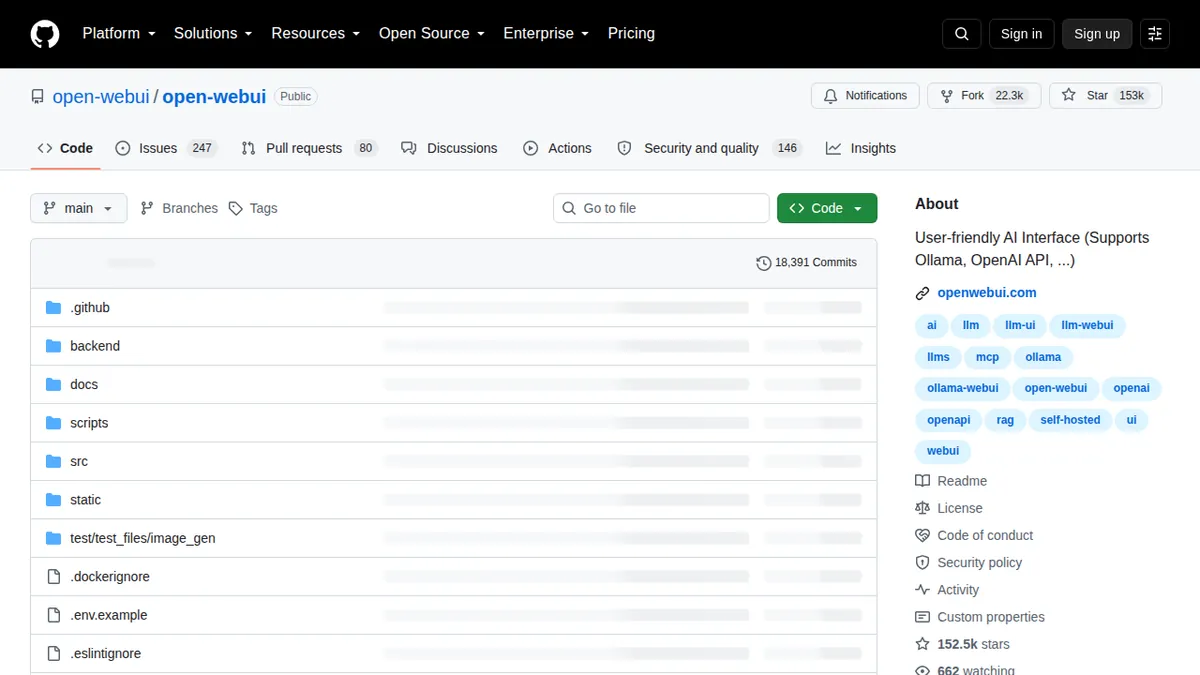
Until now. Open WebUI isn’t just an interface. It’s the corporate escape hatch.
We are going to deploy a fully local, self-hosted, offline-capable AI environment that looks and feels exactly like ChatGPT, but runs entirely inside your VPC. No telemetry. No external API calls. Total control.
The Shadow IT Problem
When corporate blocks access to external AI tools, engineers don’t stop using AI. They just get creative. They copy-paste proprietary algorithms into personal devices or route sensitive customer data through unsanctioned, unmonitored proxy APIs. This is a critical vulnerability you cannot patch with HR policy or empty threats. You have to patch it with superior internal tooling.
Open WebUI acts as the bridge. It connects to local model runners like Ollama, vLLM, or LM Studio, presenting a polished, intuitive interface to your end-users. The backend does the heavy lifting—managing VRAM, tensor offloading, and batch processing—but the frontend makes it seamlessly adoptable for non-technical staff.
It neutralizes the shadow IT threat by offering an internal service that is actually better than the banned public alternatives, primarily because it’s allowed to touch production data.
Architectural Prerequisites
Before we start spinning up containers, understand the hardware requirements. You can run quantization models (4-bit or 8-bit) on consumer-grade hardware, but for an enterprise deployment serving dozens of concurrent users, you need dedicated silicon.
I recommend a minimum of an NVIDIA A10G or L4 for internal departmental deployments, scaling up to H100s if you intend to run unquantized 70B parameter models. But the beauty of this architecture is its modularity. You can decouple the inference engine from the web interface.
CLI Installation and Workflow
We are going to deploy this stack using Docker. It’s reproducible, isolated, and scalable. Do not run this on bare metal without containerization. The dependency hell of Python virtual environments and CUDA toolkit versions will destroy your deployment velocity.
# Pull and run Ollama for model serving (CPU/Basic setup)
# For production, you will append NVIDIA container toolkit flags
docker run -d -v ollama:/root/.ollama -p 11434:11434 --name ollama ollama/ollama

# Pull and run Open WebUI, linking it to the local Ollama instance
# We use host-gateway to allow the isolated container to communicate with Ollama
docker run -d -p 3000:8080 \
  --add-host=host.docker.internal:host-gateway \
  -v open-webui:/app/backend/data \
  --name open-webui \
  --restart always \
  ghcr.io/open-webui/open-webui:main
This gets the infrastructure running. But an empty runner is useless. You need to pull a model into the local registry.
# Execute within the Ollama container to pull a highly capable instruct model
docker exec -it ollama ollama run llama3.1:8b-instruct-q4_K_M

# For coding specific tasks, pull DeepSeek Coder
docker exec -it ollama ollama run deepseek-coder-v2
Once the models are loaded into the local volume, navigating to localhost:3000 presents the login screen. The first account created automatically assumes the Admin role. From there, you control the models, the access policies, and the chat history.
The Access Control Architecture
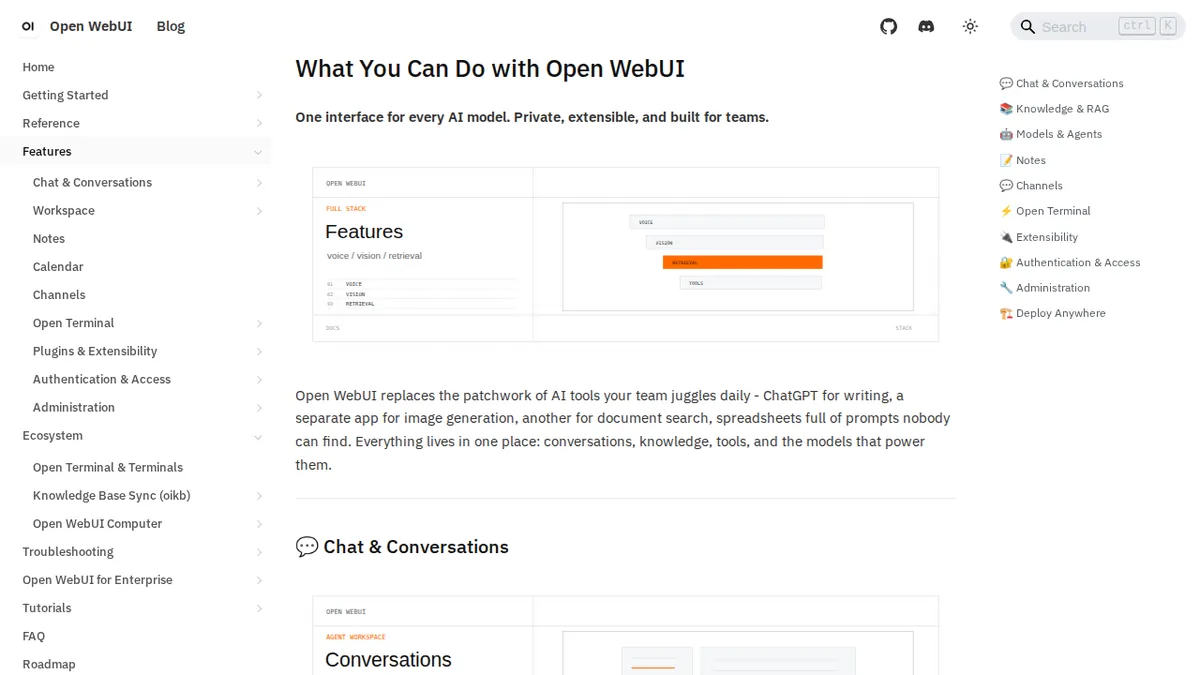
The real power of Open WebUI in a corporate setting isn’t just the chat interface—it’s the built-in RBAC (Role-Based Access Control) and user management. You cannot deploy a free-for-all interface in a compliant environment.
Open WebUI allows you to restrict which teams have access to which models. You can implement SSO via OAuth, OIDC, or LDAP. You can track usage, audit prompt histories (if compliance requires it), and manage session tokens—all without sending a single byte of telemetry to a third-party vendor.
I’ve ripped out legacy internal tools that took months to build and replaced them with this exact stack in an afternoon. The integration with enterprise identity providers means onboarding is zero-touch.
System Integration and Native RAG
Let’s talk about Retrieval-Augmented Generation (RAG). A generic model is fine for writing boilerplate, but a model grounded in your internal documentation is a massive force multiplier. Open WebUI ships with native RAG support via an integrated vector database.
You upload a PDF, a Markdown file, or an entire compressed codebase directly through the UI. The system automatically chunks the text, generates vector embeddings using a local embedding model (like nomic-embed-text), and stores it locally. When a user asks a question, the interface queries the vector database, injects the highly relevant context into the prompt, and generates an accurate, hallucination-free answer.
All of this happens completely offline.
# docker-compose.yml for a production deployment with GPU acceleration
version: '3.8'

services:
  ollama:
    image: ollama/ollama:latest
    ports:
      - "11434:11434"
    volumes:
      - ollama:/root/.ollama
    deploy:
      resources:
        reservations:
          devices:
            - driver: nvidia
              count: 1
              capabilities: [gpu]

  open-webui:
    image: ghcr.io/open-webui/open-webui:main
    ports:
      - "3000:8080"
    environment:
      - OLLAMA_BASE_URL=http://ollama:11434
      - WEBUI_AUTH=True
      - SCARF_NO_ANALYTICS=true
      - DO_NOT_TRACK=true
    volumes:
      - open-webui:/app/backend/data
    depends_on:
      - ollama

volumes:
  ollama:
  open-webui:
Notice the environment variables injecting strict no-tracking policies. That’s how you keep the security team happy.
Benchmark Comparison
How does the local stack compare to enterprise SaaS offerings? When you evaluate total cost of ownership and risk exposure, the math shifts aggressively toward self-hosting.
| Metric | Open WebUI + Local Inference | Enterprise SaaS (ChatGPT/Claude) |
|---|---|---|
| Data Privacy | 100% Local / Air-gapped | SOC2 / Vendor Hosted |
| Model Lock-in | None (Swap Llama, Mistral, Qwen instantly) | Locked to proprietary vendor ecosystem |
| Telemetry & Tracking | None | Vendor monitored & logged |
| Cost Structure | CapEx (Compute Hardware) + Power | OpEx (Per-seat monthly licensing) |
| SSO Integration | Native OIDC / OAuth / LDAP | Enterprise tier only |
| Offline Capability | Unrestricted Full Functionality | None |
| Custom RAG Embeddings | Unlimited local storage | Metered / Token-based billing |
The cost savings on API tokens and per-seat licenses alone will justify the engineering effort within the first quarter. But the hardened security posture is why you actually pull the trigger and deploy it.
The Verdict
Stop fighting your engineers. They are going to use AI regardless of what the handbook says. Give them the tools they want, but wrapped in the impenetrable security posture you demand.
Open WebUI isn’t a compromise between UX and security. It is the definitive target state for corporate AI adoption. It runs locally. It respects data gravity. And it completely neutralizes vendor lock-in. Deploy it, map it to your SSO, and shut down the shadow IT pipelines for good.